How to Download Movies & Series on Awakemovies
Step 1: Browse the Website
Use the search bar or explore categories like Nollywood, Hollywood, K-Drama, and more.
Step 2: Choose Your Movie or Series
Click on the title or poster of the movie/episode you want to download.



Step 3: Scroll to the Download Section
You’ll find a detailed description, trailer, and download options.

Step 4: Click the Download Button
Click the download link or button provided (hosted on a secure third-party server).
Step 5: Wait for the Link to load.
Sometimes the download link may open a new tab. Just wait 5–10 seconds if needed.
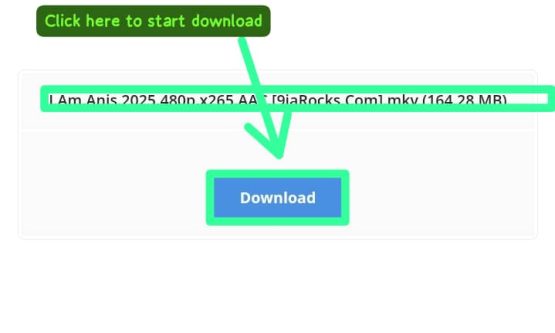
Step 6: Start Your Download
Once the final link appears, click “Download” to start. It will begin saving to your device immediately.
Important Notes:
We do not store any files on our server. All links are from trusted external sources.
If a link is broken, please report it in the comments or contact us.
For the best experience, use the Chrome or Firefox browser.